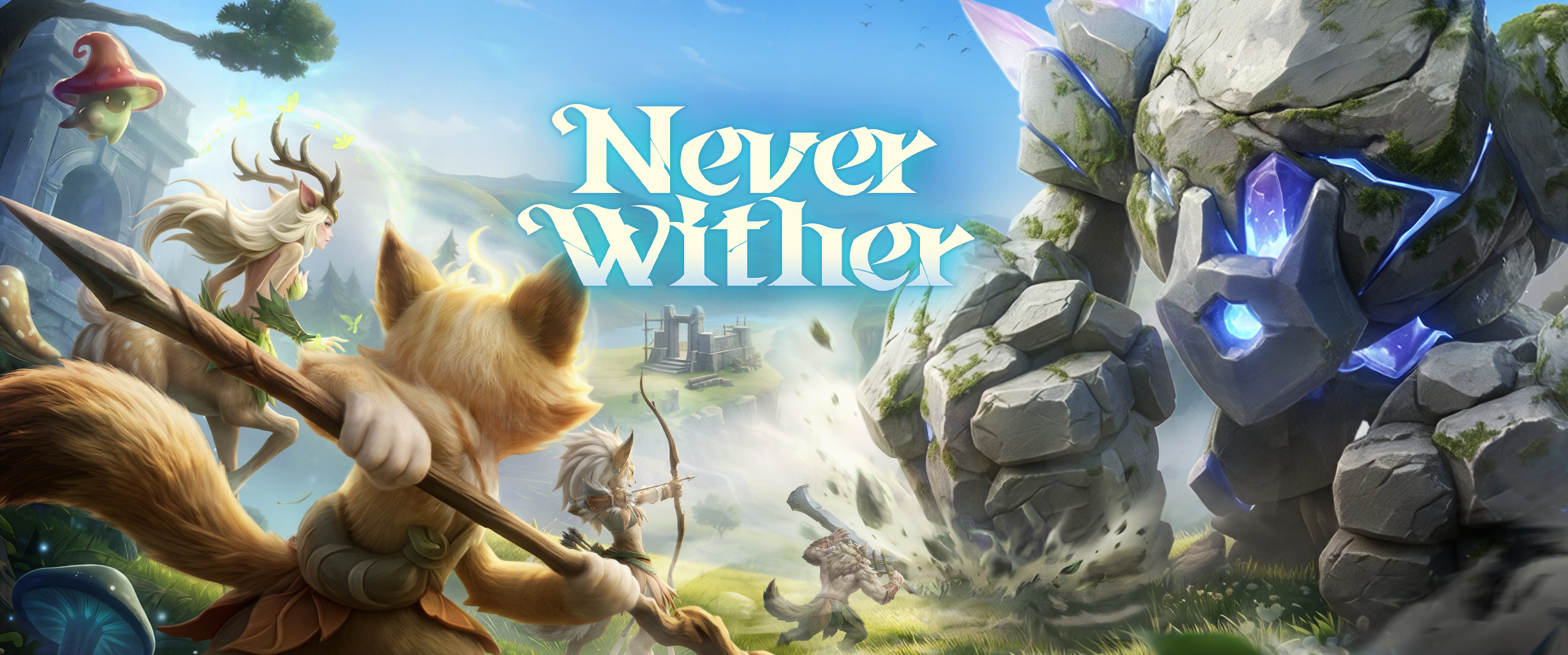

Never Wither Demo is Coming Soon | Frequently Asked Questions
Greetings!
Never Wither is about to open its playtest during Steam Next Fest. We'll answer some of the most frequently asked questions here, and we hope it helps you explore the continent of Edda more smoothly!
Q: How do I get the demo?
A: The demo is open to all players. Just head to the store page to download and play it.
Q: What content can I play in the demo?
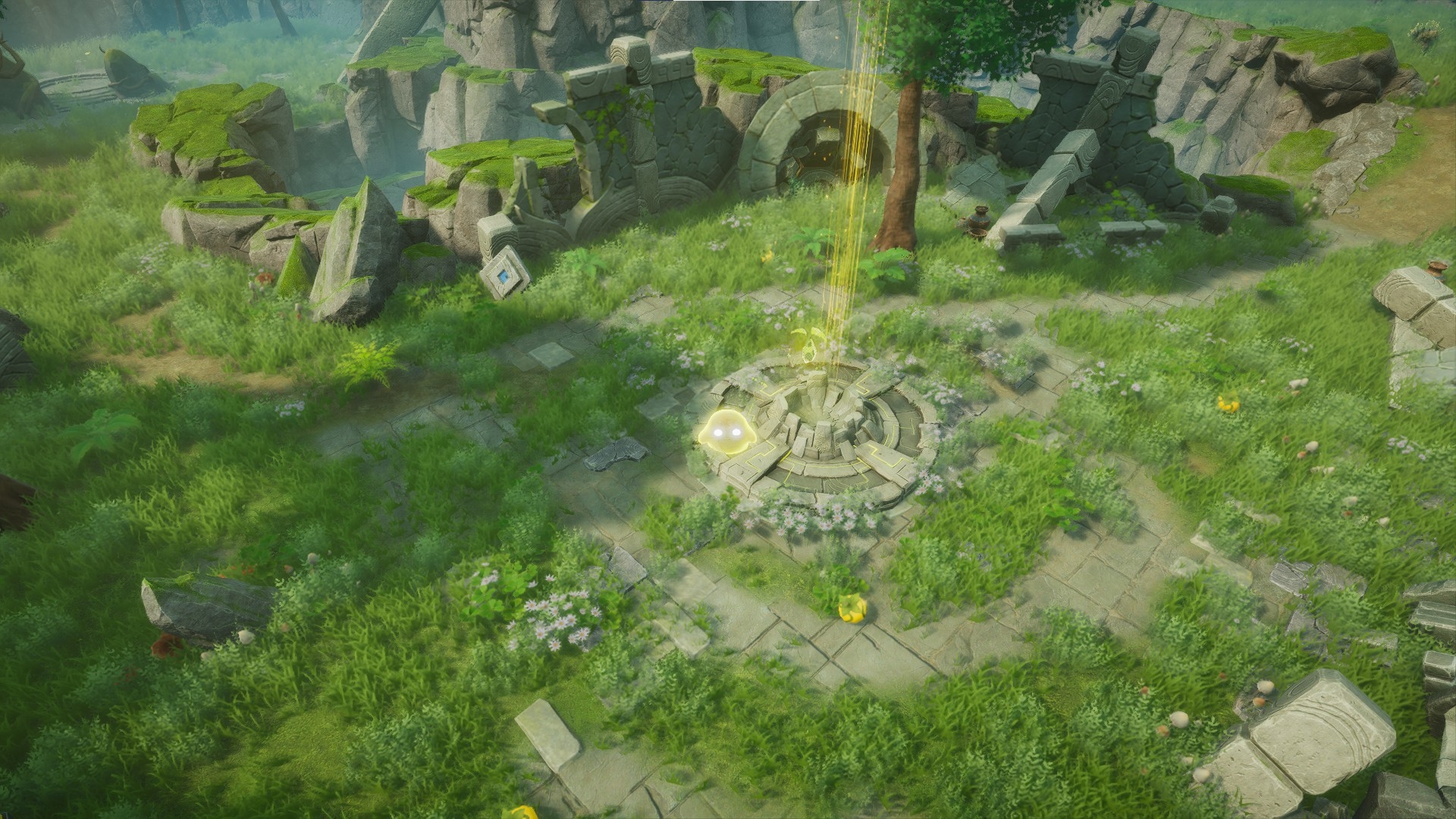
A: You can explore the game's first region, "Verdant Valley," in single-player or multiplayer mode. It's home to 19 creatures and 4 bosses. You can shelter and raise creatures, construct buildings, craft items and gear, and challenge powerful bosses to unlock new abilities.
Q: How much content does the demo offer?
A: Roughly 3–5 hours of content. If you want to fully explore the available region and raise your ideal creatures, it will take even longer.
Q: Will my demo progress be wiped?
A: Demo save data will not carry over to, or be retained in, the full release.
Q: Can I play the demo with friends?
A: Of course! The demo supports P2P multiplayer. You can play together with your friends, set the world rules however you like, and cooperate or compete.
Q: What are the PC system requirements for the demo?
A: Please refer to the specs below.
Minimum:
Windows 10/11 x64
Intel Core i5-8400 / AMD Ryzen 3 3300X
16 GB RAM
NVIDIA GeForce GTX 1060 / AMD RX 580
Internet connection required
Recommended:
Windows 10/11 x64
Intel Core i5-12400F / AMD Ryzen 5 5600
24 GB RAM
NVIDIA GeForce RTX 3060 / AMD RX 6700XT
Internet connection required
Q: I can't launch the game after the demo goes live, what should I do?
A: You can try the following:
① Turn off Steam shader pre-caching: Steam Settings → Downloads → find and disable "Enable Shader Pre-caching";
② Run the Steam client as administrator;
③ Verify the integrity of the game files in Steam;
④ Temporarily disable background antivirus software, screen recording tools, and other programs that may conflict;
⑤ Clear the download cache: Steam Settings → Downloads → Clear Download Cache, then restart the client;
⑥ Run the game's executable file (.exe) directly.
If you still can't launch the game, please report it in the Never Wither community (see the end of this post).
Q: If I run into a problem during the demo, how do I report it? What if I have suggestions for the game?
A: Please use the in-game feedback feature to report any issues you encounter. Click [Feedback] on the main menu, or press [ESC] in-game and select the [Feedback] option, where you can report a problem or submit a suggestion. You can also submit suggestions through the official community. Join the Never Wither community (see the end of this post) to start a discussion. Your input means a lot to us. Thank you for your help!
Q: What languages does the demo support?
A: The demo supports English, Simplified Chinese, and Traditional Chinese. More languages will be supported at full release.
Q: Does the demo support controllers?
A: The demo does not support controllers at this time.
The demo is about to begin, and we're very much looking forward to everyone sharing their discoveries exploring the continent of Edda. Please share your screenshots/videos on social media, or stream your playthrough, and let us see your adventure. We're looking forward to your arrival more than anything. Welcome!

Geo Seed Games
Hot News
- 【News】Never Wither Playtest Scheduled for May 29! Now open for applications
- 【News】Never Wither Demo is Coming Soon | Frequently Asked Questions
- 【News】Journey to Where the Wind Howls | Never Wither Dev Log #4
- 【News】Never Wither First Test: Thank You for Every Voice | Community Spotlight #4
- 【News】Never Wither First Playtest Concluded! Welcome to give feedback